Released on July 21, 2025, Auto Forward For Telegram v1.0.34 marks a major step forward for users who rely on message forwarding—especially from private or paid channels.
Speed, control, and reliability take center stage in Auto Forward For Telegram v1.0.34. Whether you’re managing a network of channels, automating daily broadcasts, or distributing curated content at scale, the latest version empowers you to forward with greater precision and far less friction.
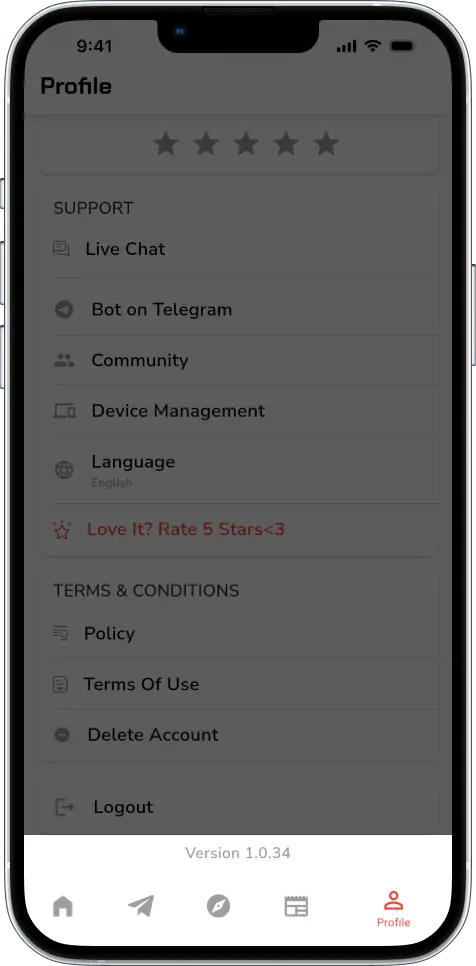
This isn’t just a minor refresh — it’s a release packed with practical upgrades. From anonymous bot forwarding to smart message scheduling and precise regex replacements, we’ll break down everything you need to know to forward faster, smarter, and with zero trace.
Even if you’ve hit Telegram’s forwarding limits from high-volume automation or had your identity exposed to channel admins — version 1.0.34 is built to solve exactly those problems, so you can forward at scale without compromise.
Let’s explore!
🤖 Forward via Bots, Not Yourself – Auto Forward For Telegram v1.0.34
One of the most important upgrades in Auto Forward For Telegram v1.0.34 is the ability to switch the Sender Type to Bot. Instead of using your personal account to forward messages — which can expose your identity to group or channel admins — messages are now sent via bot accounts.
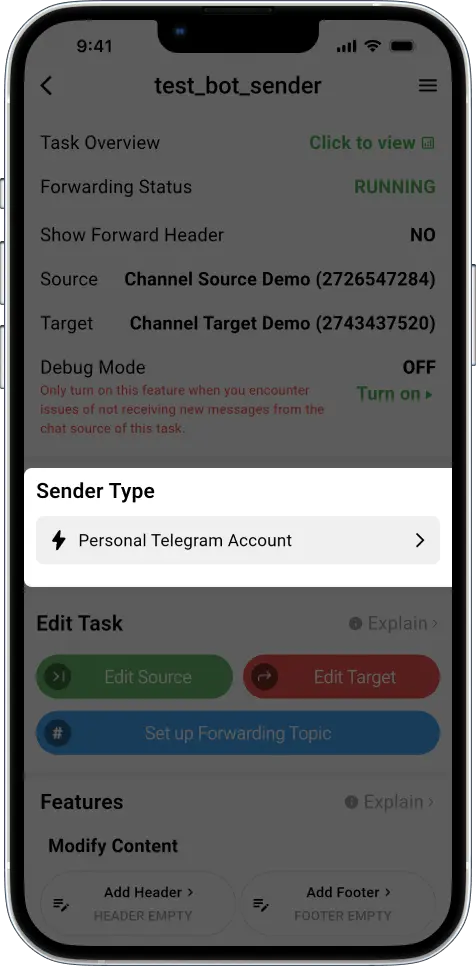
This change unlocks multiple benefits:
- ✅ Your Telegram identity stays completely hidden
- ✅ Admins can’t trace forwarded content back to you
- ✅ Safer for sharing VIP or paid channel posts
- ✅ Ideal for news curators, distributors, and marketers
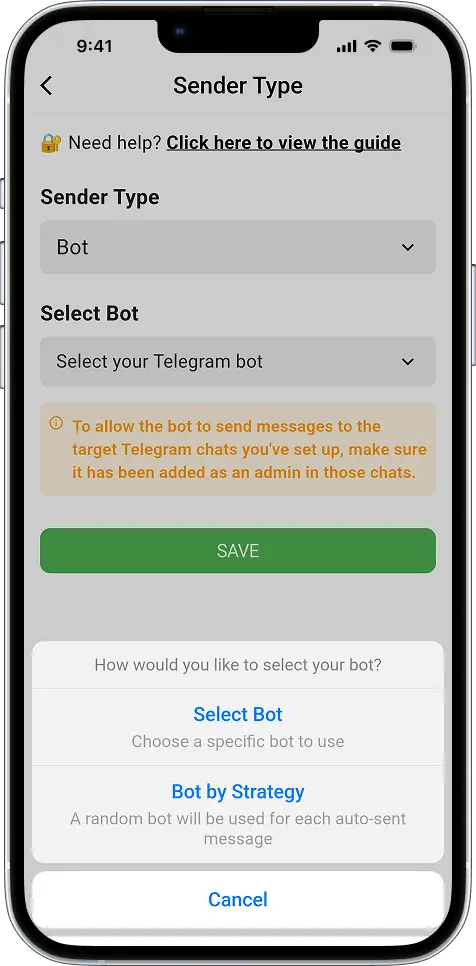
Paired with Bot by Strategy, this update empowers high-speed, anonymous forwarding without risking your main account. You can forward continuously, distribute delivery across bots, and avoid triggering Telegram’s limits.
🔗 How to Automatically Send Telegram Messages Using Bots or Personal Accounts
⏰ Schedule Posts with More Precision Than Ever
Auto Forward For Telegram v1.0.34 includes a robust Auto Post Scheduler. You no longer need to post manually or worry about missing time slots.
You now get two flexible scheduling modes:
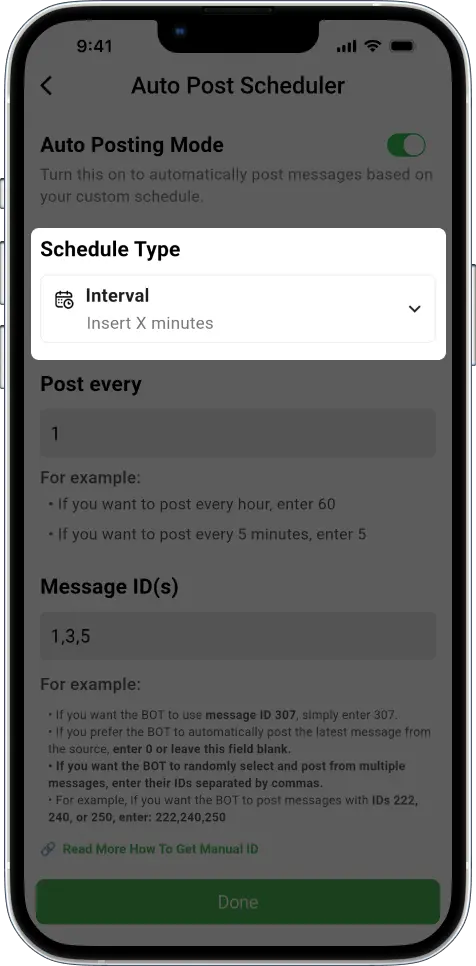
1. Interval Mode
Automatically post every (X) minutes — ideal for drip content delivery.
2. Fixed Time Mode
Set precise timestamps for each post — great for time-sensitive updates or global audiences.
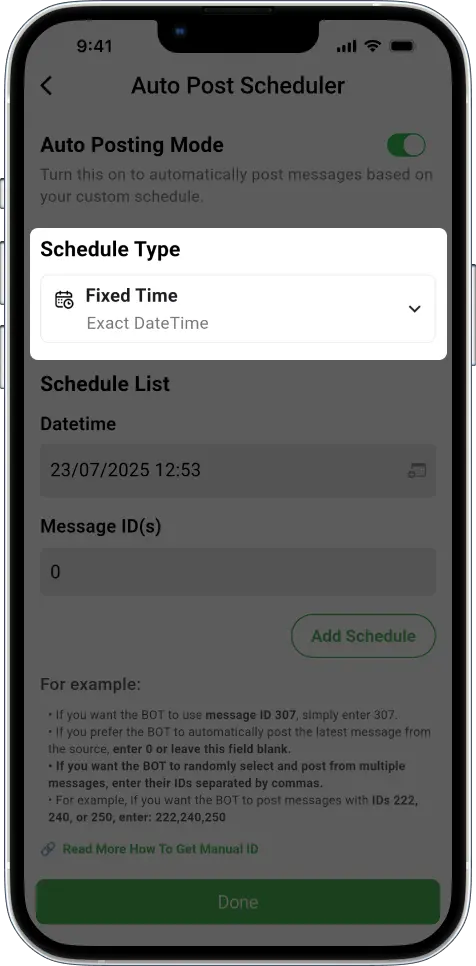
Pro Tip: Use Fixed Time mode to schedule urgent updates — like breaking news or sudden price changes — at precise times. For ongoing content that needs to be repeated regularly, Interval Mode is the better fit.
🔗 How to Schedule Telegram Message Posting Automatically
🧪 Replace with Regex: Clean and Transform Messages with Accuracy
Many users rely on message cleanup before forwarding. That’s why this update introduces Regex Replace, offering unmatched control over how your messages appear.
Here’s what’s new:
- ✅ Use regular expressions to match text patterns
- ✅ Replace mentions, links, names, or emojis on the fly
- ✅ Combine with “Ignore Case” and “Replace All” for granular control
- ✅ Automate anonymization or content filtering
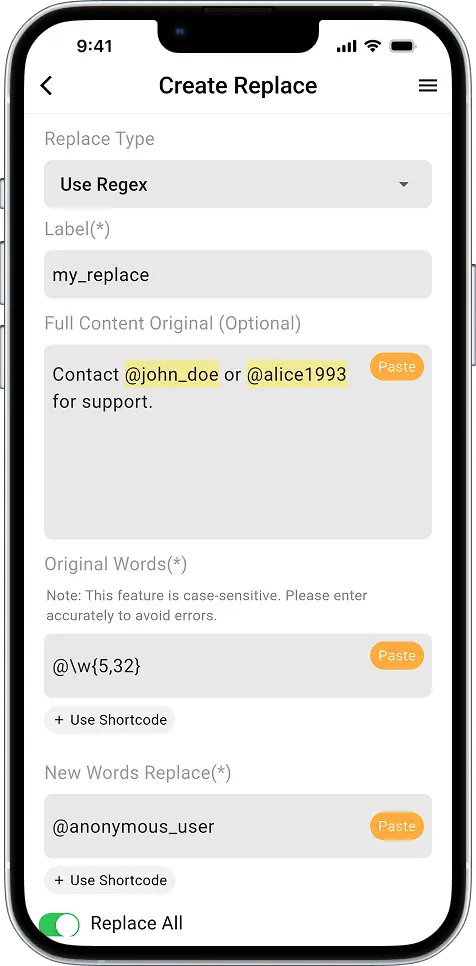
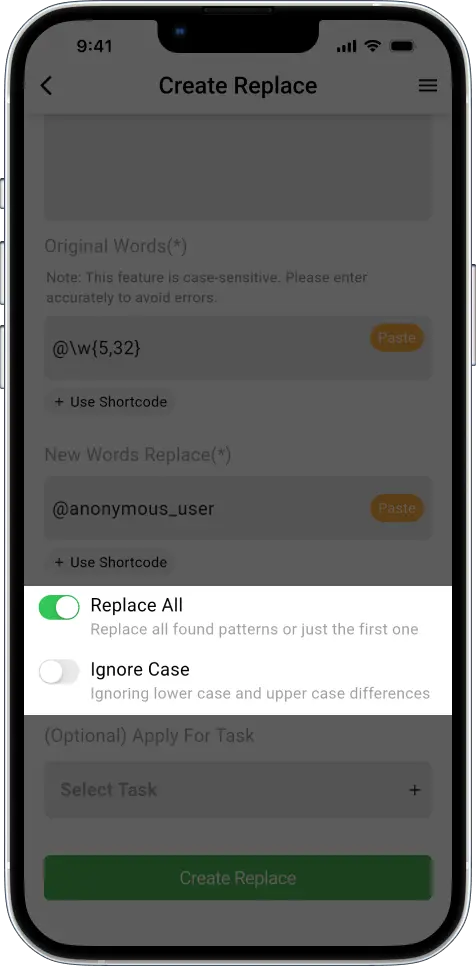
Example: Replace “@username” with “anonymous_user” in every message across channels.
This feature was built for advanced users — but it’s accessible to anyone who wants clean, consistent formatting across forwarded content.
🔗 Regex Cheat Sheet with Practical Examples for Quick Learning
📲 Try Auto Forward For Telegram v1.0.34 Today
If you’ve been waiting for a Telegram tool that offers both stealth and scalability, Auto Forward For Telegram v1.0.34 is ready for you. It combines security, speed, and precision — without compromising usability.
Download on your favorite platform:
- iOS → App Store
- Android → Google Play
- Web → web.autoforwardtelegram.com
- Telegram Bot → @Auto_Forward_Messages_Bot
💬 Stay Connected and Get Support
Have questions, need guidance, or want to suggest a feature?
You can reach us directly at @redf0x1. We’re actively building the next versions with feedback from users like you.