Released on August 18, 2025, Auto Forward Messages v1.0.35 brings one of the most exciting upgrades yet for Telegram automation. With this update, you can now add interactive link buttons directly to forwarded messages when using Bot Sender mode—making every forward more dynamic, clickable, and impactful. And this is just the beginning—let’s explore what’s new in detail.
Link Buttons for Forwarded Messages – What’s New in Auto Forward For Telegram v1.0.35
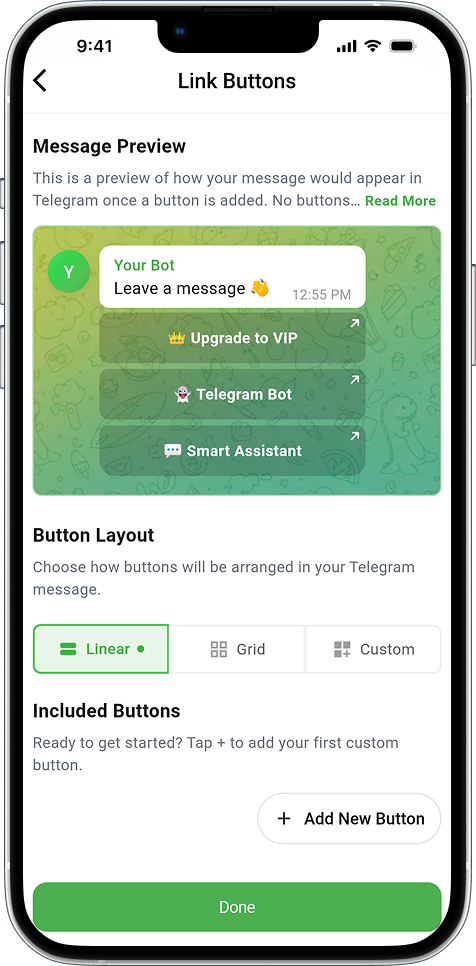
Forwarded messages on Telegram often look static because they lack interactive elements. With this update, that changes. Auto Forward Messages v1.0.35 allows you to:
- ✨ Place one or more link buttons under any forwarded message
- 🔗 Direct users to websites, Telegram channels, or deep links
- 📢 Add call-to-actions such as Join Now, Read More, Buy, etc.
Instead of sending plain forwards, you now send messages that encourage action and improve audience engagement.
How to Enable Link Buttons
This function requires Bot Sender mode. Telegram does not allow personal accounts to add link buttons, so make sure you use a bot for forwarding.
🔗 Click to view How to Add and Manage Link Buttons
Verify Access For Bot – What’s New in Auto Forward For Telegram v1.0.35
Alongside link buttons, version 1.0.35 also adds a convenient tool: Verify Access For Bot.
This feature helps you quickly confirm if the bot you created has the correct permissions in your target chats. Specifically, it checks whether the bot:
- ✅ Has been added to the destination chat
- ✅ Holds admin rights with permission to send messages
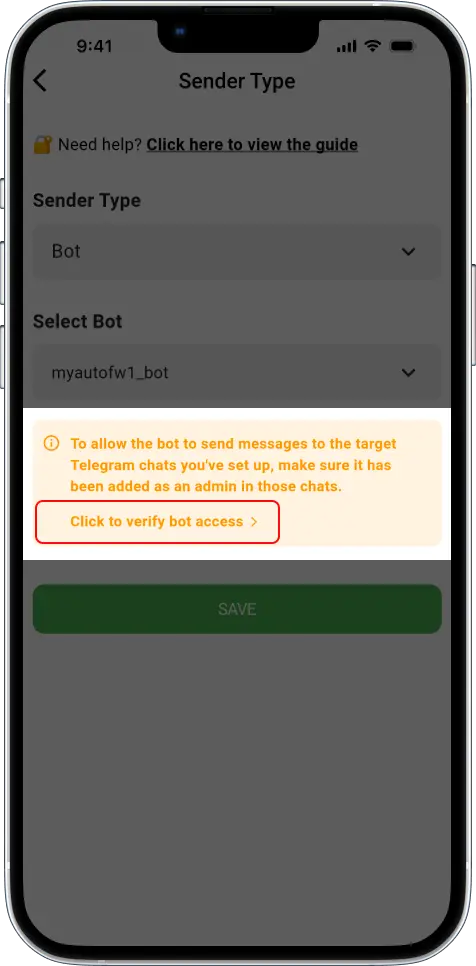
It is not mandatory, but it saves time. Instead of guessing whether your bot is ready, you can run this quick verification and be confident that everything is set up correctly.
This tool is especially useful when using the Sender Type: Bot option in your forwarding tasks.
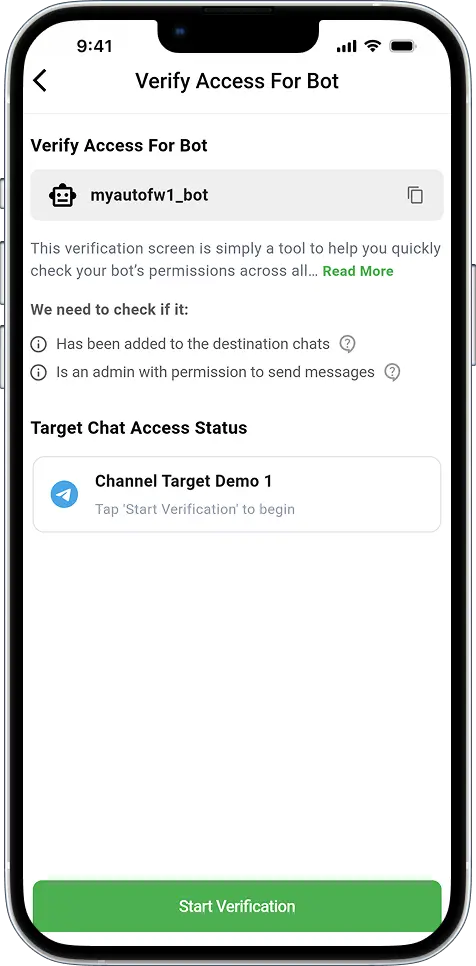
🔗 How to Automatically Send Telegram Messages Using Bots or Personal Accounts
Tips for Using These New Features
Both updates are designed to make your forwarding experience easier and more engaging. Here are some tips:
- Use Link Buttons wisely: Keep button labels short, clear, and action-focused.
- Limit the number of buttons: A maximum of 2 or 3 keeps the layout clean and user-friend.
- Verify before sending: Run the access check when setting up new bots to avoid permission errors.
- Combine both features: A verified bot with interactive buttons ensures your messages look professional and reach the audience correctly.
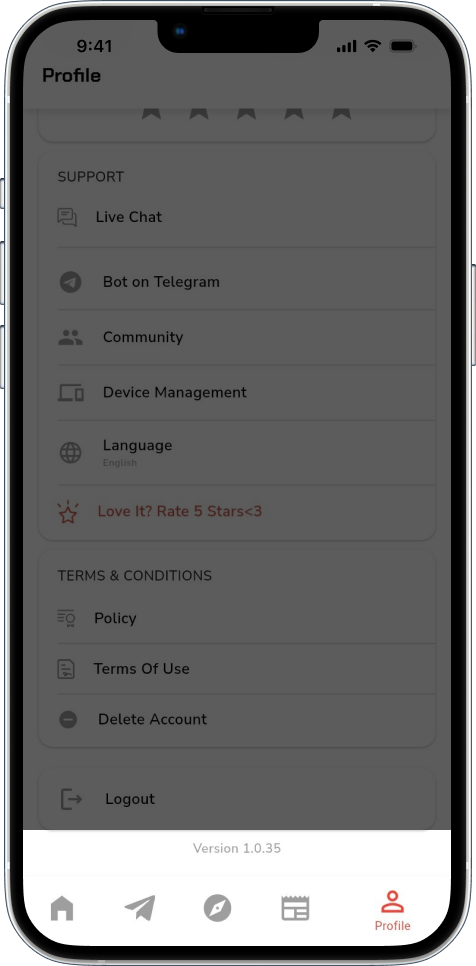
Download Auto Forward Messages v1.0.35
You can access the latest version on all platforms today:
- 📱 iOS → App Store
- 🤖 Android → Google Play
- 💻 Web App → web.autoforwardtelegram.com
- 🤖 Telegram Bot → @Auto_Forward_Messages_Bot
Feedback and Support
Got ideas or issues? Contact the RedFox Team anytime at @BotRedFoxBot. We are always ready to help and improve your experience.